Career Workspace
Keep your Master Profile, resumes, cover letters, career stories, and applications together.
- Reusable career content
- Role-specific documents
- Interview preparation
Your Career Workspace
Product information updated October 25, 2026
Build your career materials from one Master Profile. Resumr combines a live resume editor with page-fit controls, cover letters, a career website, application tracking, interview preparation, and reviewed sharing. Keep role-specific versions, export your documents, and bring job postings into the workspace with Resumr Companion. Optional writing assistance runs only when you choose to use it.
Create one source of truth for roles, projects, education, links, and achievements.
Reuse your experience, education, projects, skills, and achievements across resumes, cover letters, and your public career website.
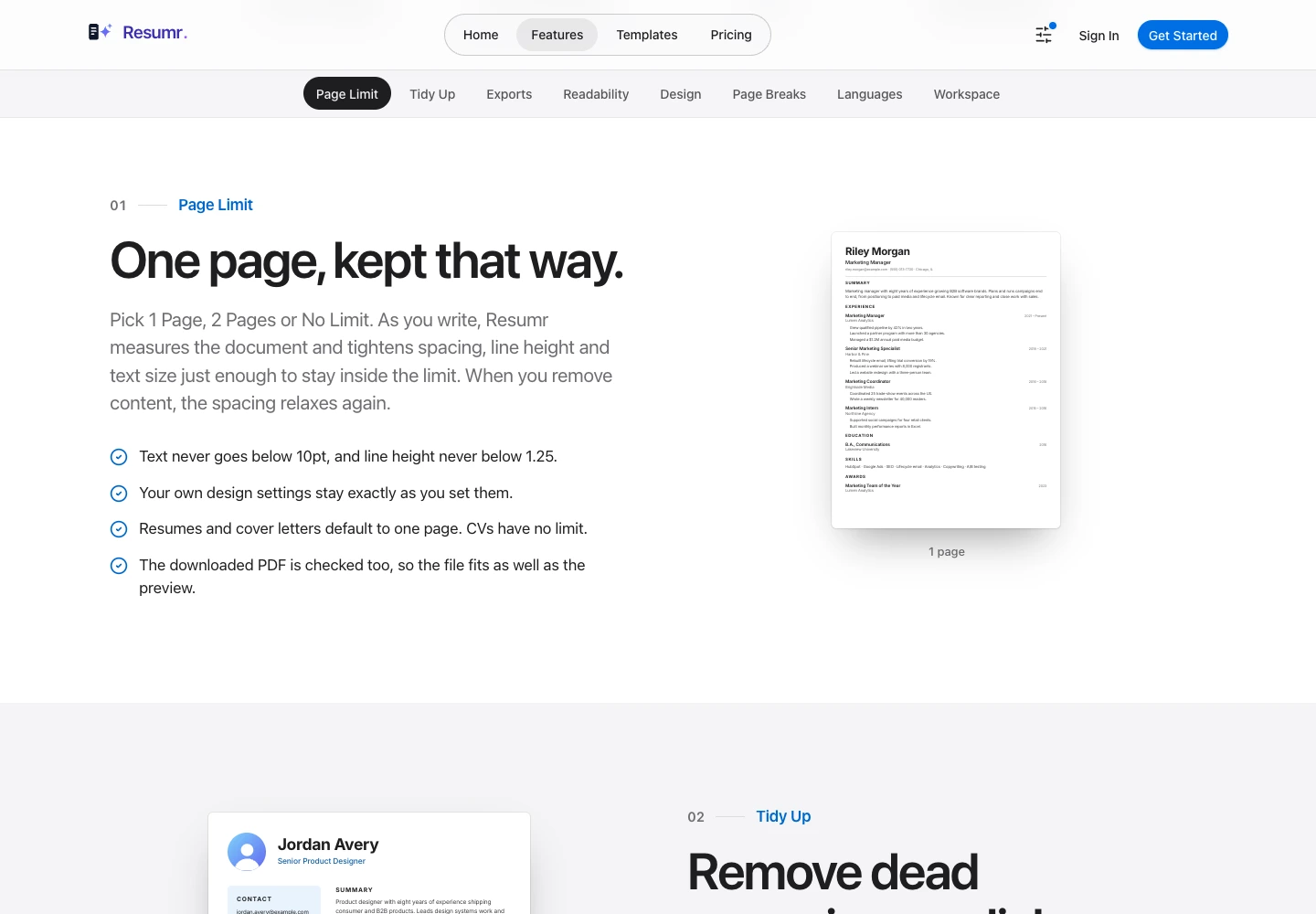
Keep your resume on the pages you choose, with a live paginated preview.
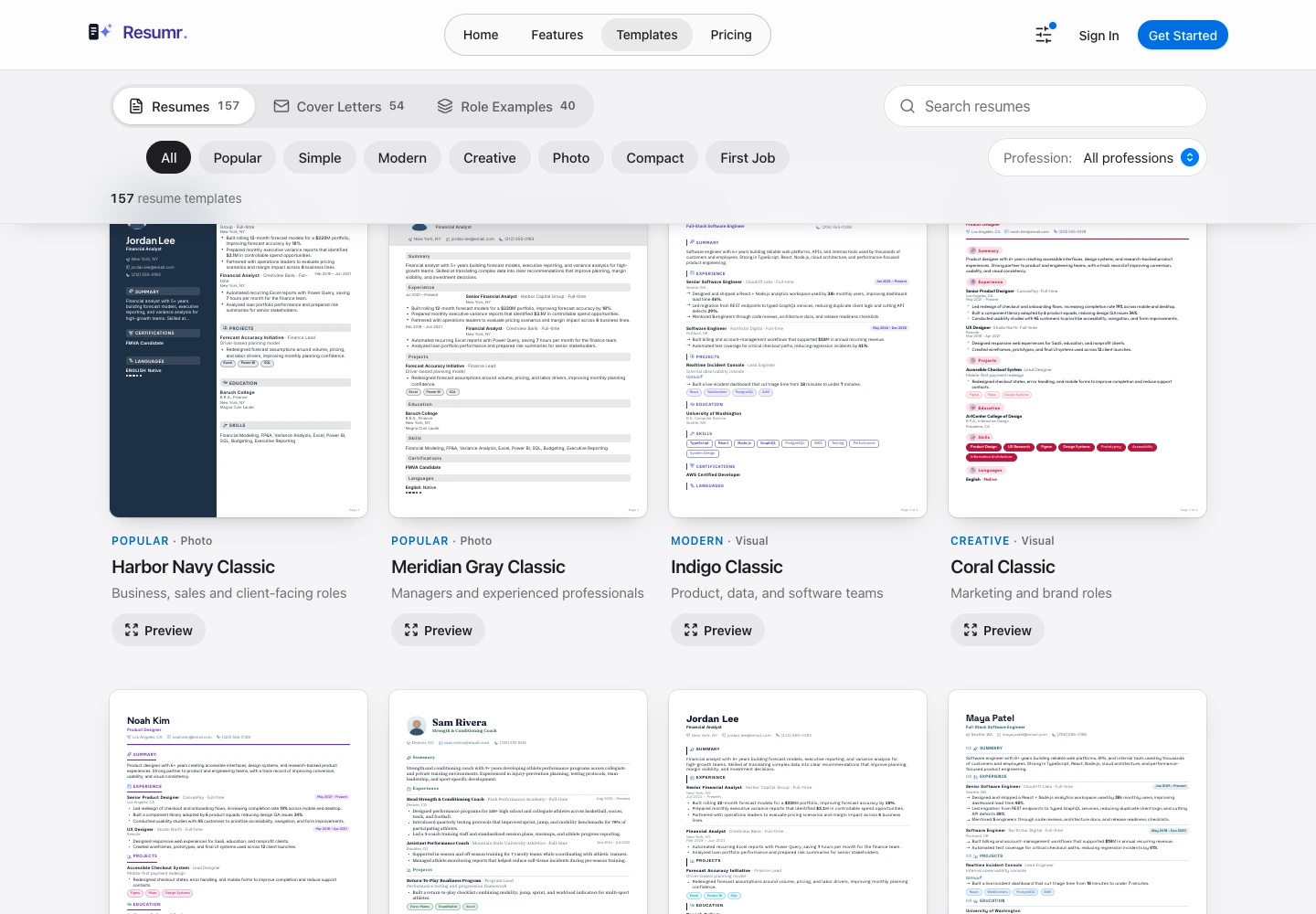
Choose a template, set a page limit, use Tidy Up, control page breaks, and tune fonts, spacing, colors, and section design. Autosave, session undo and redo, and pan-and-zoom previews keep editing manageable.
Publish selected experience, projects, credentials, and links as a career site.
Choose showcase themes, section layouts, work-status badges, and resume download settings. Review public, unlisted, or private visibility. Contact actions link to your own contact-form service or selected email and phone details; Resumr does not operate a managed personal inbox.
Maintain targeted versions for different job families without rebuilding from scratch.
Create targeted resumes and cover letters for different opportunities while keeping your underlying career information organized.
Export your career documents in the format you need.
Export PDF, DOCX, plain text, or structured JSON from your documents and profile.
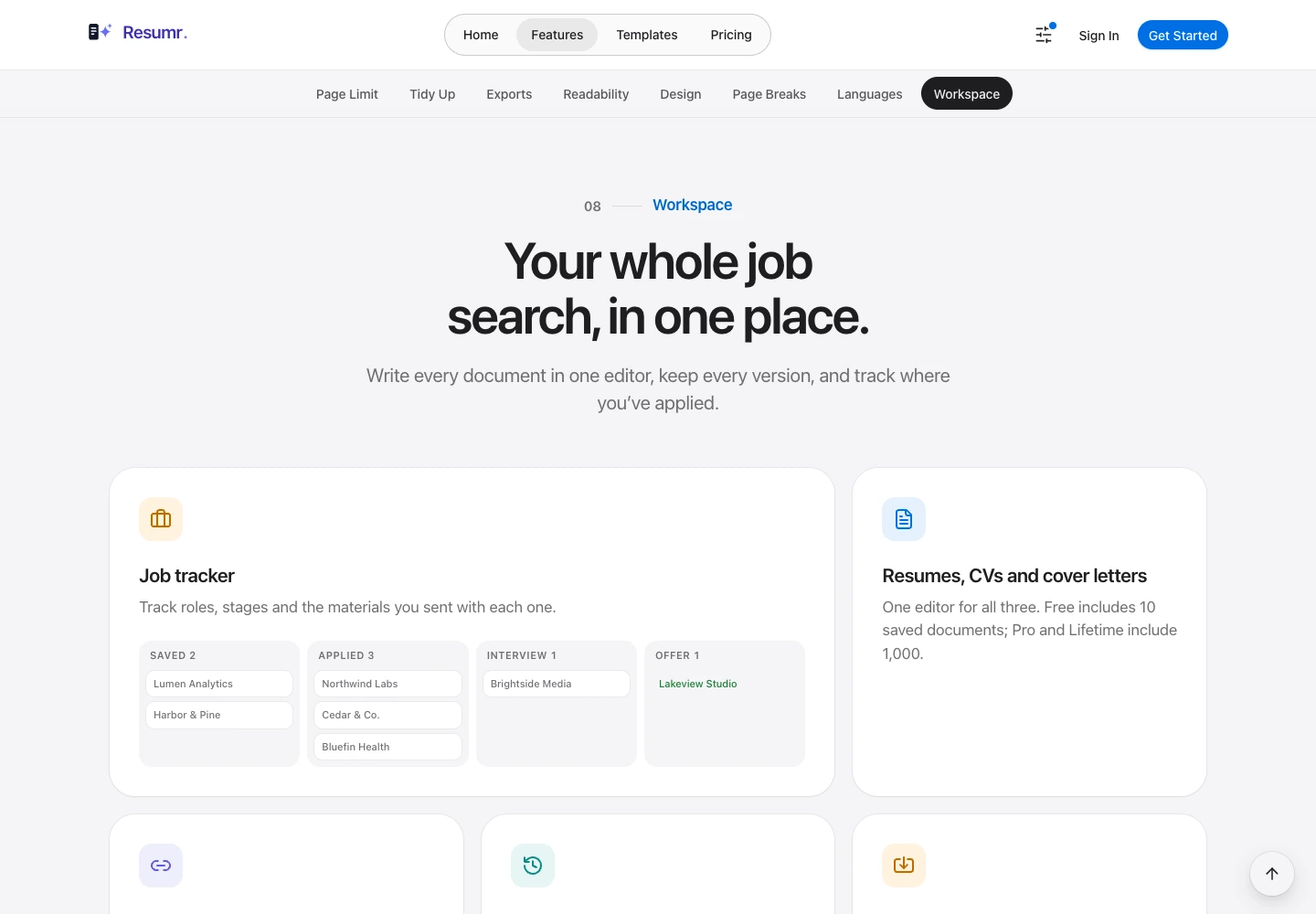
Track applications, interview rounds, hiring contacts, and captured postings.
Keep opportunities and application progress in Jobs, record interview outcomes and contacts, and start a resume linked to a role. Companion captures job details for your review and fills only selected standard contact fields; it never submits applications.
Create matching letters for the role you are pursuing.
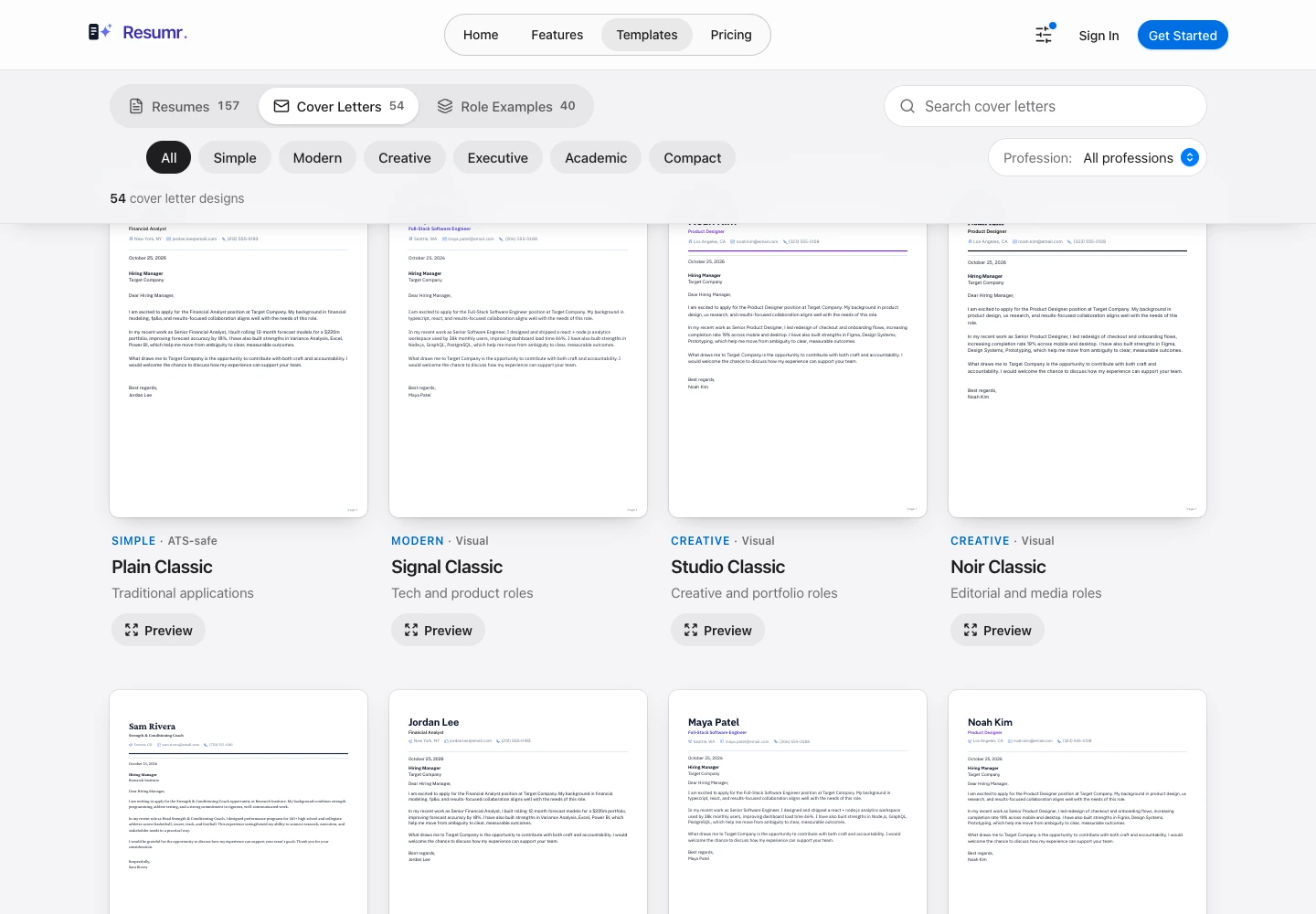
Choose a cover-letter design, reuse your career information, and maintain job-specific drafts alongside your resumes.
Turn career wins into reusable evidence.
Record Situation, Task, Action, and Result stories. Convert a story into a resume bullet, save behavioral interview preparation, and reuse content through editor snippets.
Share selected documents with explicit access controls.
Use supported password, invitation, expiry, and revocation controls. Enable reviewer comments when needed and manage feedback from the review inbox.
Review suggested rewrites without handing over your entire workspace.
Use configured AI providers for selected content and role-focused drafting. Review the proposed text before applying it; provider availability depends on your configuration and plan.
Review activity around your shared career materials.
See supported document and public-site activity in the workspace, with date-based history and CSV or JSON exports. Contact-link clicks are excluded from public click analytics.
Keep proven summaries, experience points, and project writing close by.
Reuse saved content blocks in the editor while keeping role-specific documents separate. The browser companion has its own local answer-snippet library.
Captured from the current public Resumr template library and interactive feature previews on October 25, 2026, using built-in sample content. These are not screenshots of a private signed-in account.
Live Web Platform
Resumr is available now. Full builder, publishing, SEO, and export capabilities are active.
Start from your career profile, create the documents a role needs, and choose what to publish. Track interviews and feedback alongside the materials you share. Companion brings reviewed job capture and contact filling into the browser.
Keep your Master Profile, resumes, cover letters, career stories, and applications together.
Website-grade controls for templates, typography, color systems, spacing, section order, and responsive layout previews.
Choose what to publish and manage the visibility and metadata of your public career website.
Export career documents from the same structured profile used in your editor.
Build resume, portfolio, and cover letter content privately.
Preview versions, share private links, and tune page metadata.
Launch selected pages with explicit visibility and SEO controls.
Companion and Privacy Update · October 24, 2026
Editor and Career-Site Workflows · October 21-23, 2026
Yes. Visit getresumr.com to build and manage your career materials.
Yes. Resumr is a web workspace for resumes, cover letters, career websites, exports, and job applications.
You choose the career content and pages you publish. Review your publishing and visibility settings before sharing a public link.
Yes. The editor offers a page limit, live pagination, Tidy Up, and page-break controls. Always review the final exported document before sending it.
No. You can write, design, export, and track applications without AI. Writing tools are optional and use the provider and content you choose.
No. Career-site contact controls use your external contact-form link and optional email or phone links. The managed personal inbox feature is shelved.
Visit the Resumr Companion product page on INDR for its Chrome Web Store install link. After installation, use getresumr.com/extensions to connect it to your Resumr workspace.
Read the key points below, or tap a section to jump directly. Full policies are linked at the end of each block.
Resumr handles account, profile, document, publishing, and optional AI information as described in the current service privacy policy.
Resumr is available at getresumr.com. Its current service terms govern your account, documents, exports, and published career pages.
For help with Resumr or its browser companion, contact support with the page or workflow involved.