ReFormatly

File Conversion for iPhone and iPad

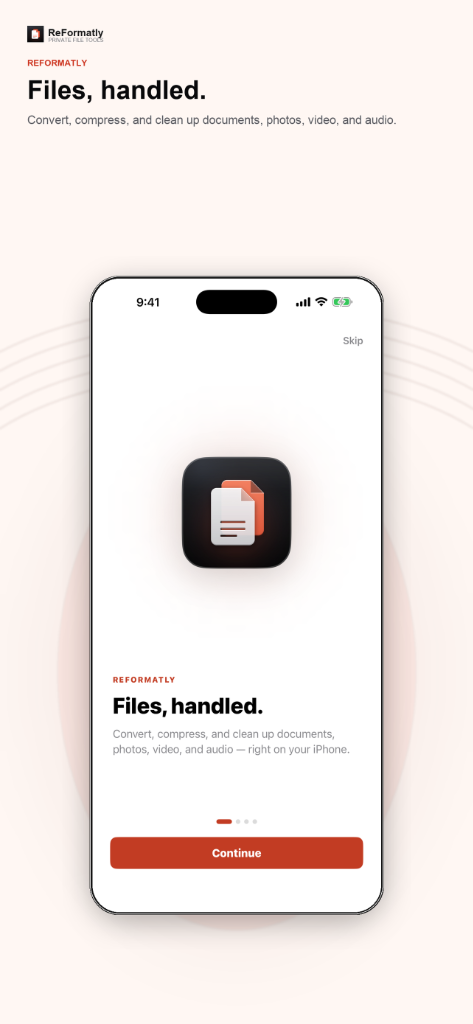
ReFormatly is a file toolkit for iOS. Convert formats, compress to a target size, work with PDFs and archives, and remove metadata — with processing on your device. ReFormatly Pro adds batch jobs, advanced PDF tools, and unlimited conversions.

iPhoneiPad

Format Conversion

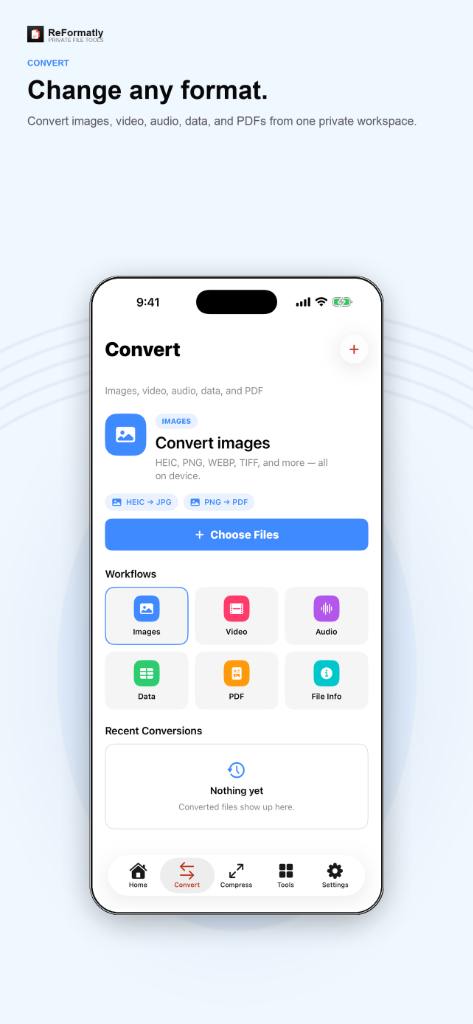
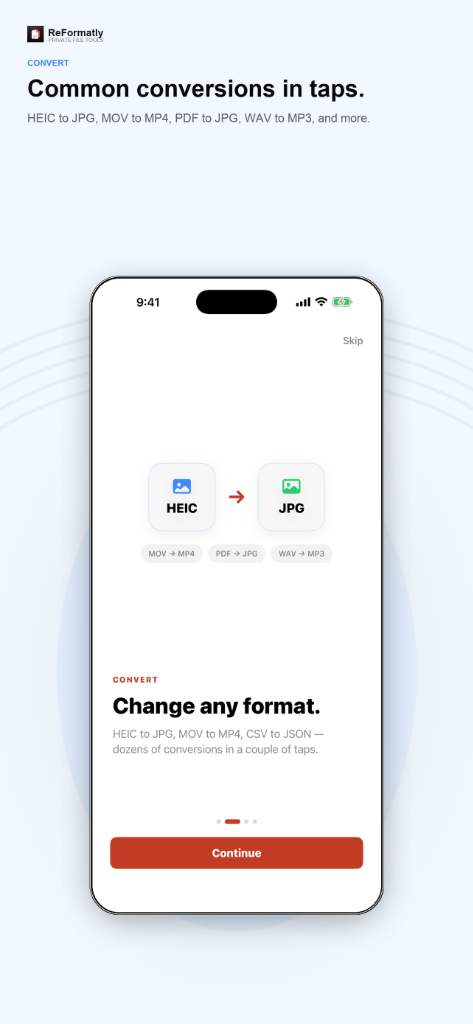
Convert photos, video, audio, documents, and data files in a few steps.

Supports HEIC, JPG, MOV, MP4, CSV, JSON, PDF, and archive formats including ZIP, 7z, RAR, TAR, GZIP, BZip2, and XZ. Files stay on your device during conversion.

Size Compression

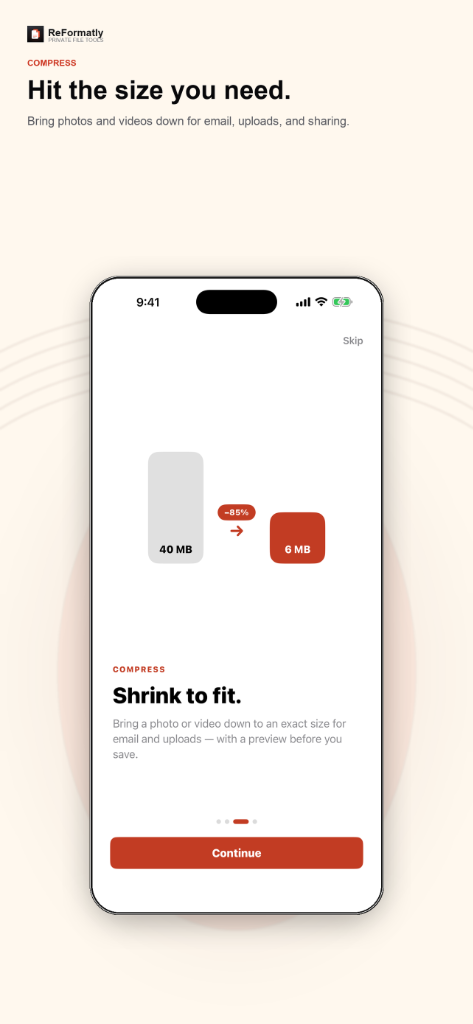
Reduce file size to a specific limit before you share or upload.

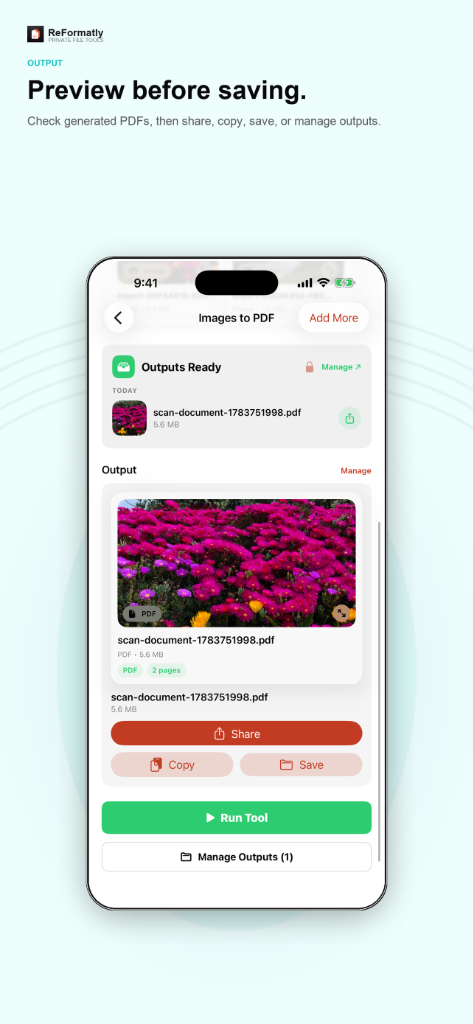
Set a target size and preview the output before saving. Useful for email attachments and upload limits.

PDF Tools

Merge, split, extract pages, scan documents, and compare PDFs.

Build PDFs from scans, reorder pages, and run compare workflows. Pro includes OCR search, signatures, and form tools.

Archives and Metadata

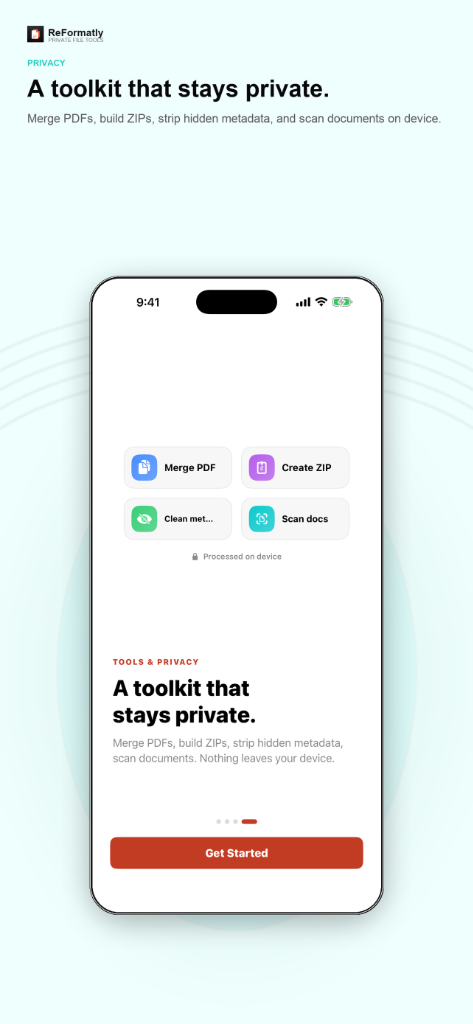
Create and extract ZIP files and strip EXIF or other hidden data.

Package multiple outputs into one archive, open password-protected ZIPs, and remove location or camera metadata before sharing.

Batch Processing

Run multiple files in one job with progress on the Lock Screen.

On-Device Processing

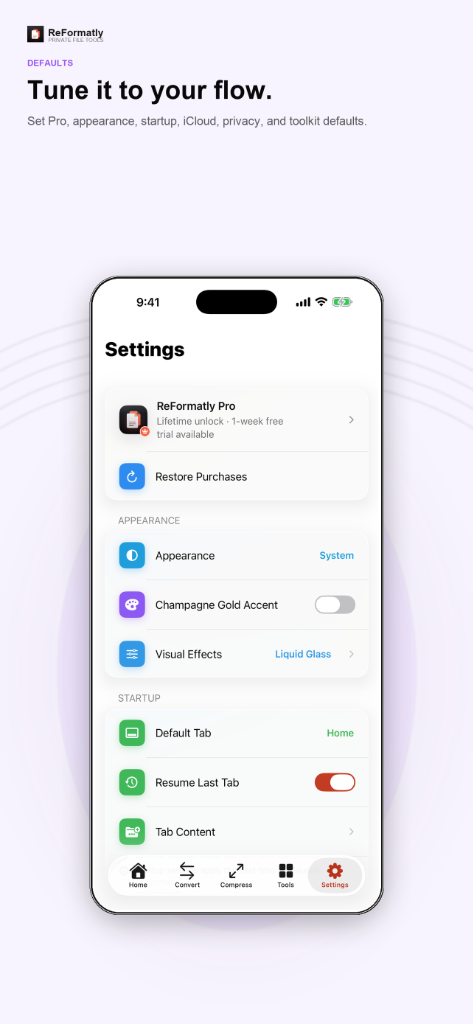
Work stays on your iPhone or iPad unless you enable iCloud sync.

A Closer Look

See ReFormatly in Action.

App Store Connect

App Store Listing

Listing Information

Subtitle
Convert, Compress & PDF Tools
Promotional Text
Try ReFormatly Pro free for 1 week. Unlimited conversions, batch workflows, and advanced file tools — processed on your iPhone or iPad.
Description

ReFormatly is a file toolkit for iPhone and iPad. Convert formats, compress to a target size, work with PDFs and archives, and remove metadata — with processing on your device whenever possible.

CONVERT & COMPRESS

  • Convert photos, video, audio, documents, and data files
  • HEIC, JPG, MOV, MP4, CSV, JSON, PDF, and archive formats including ZIP, 7z, RAR, TAR, GZIP, BZip2, and XZ
  • Set a target file size and preview output before saving

PDF & ARCHIVE TOOLS

  • Merge, split, extract pages, and scan documents to PDF
  • Create and extract ZIP and common archive formats
  • Open password-protected ZIPs

PRIVACY BY DEFAULT

  • Supported operations run locally on your device
  • Optional iCloud sync for settings and preferences on your Apple ID
  • No third-party analytics or advertising SDKs

REFORMATLY PRO

  • Unlimited conversions and full history
  • Batch processing with Live Activities for long jobs
  • Target file sizes, metadata removal, advanced PDF tools, batch ZIP export, and Pro Studios

ReFormatly is built for everyday file tasks — email attachments, uploads, document prep, and quick format changes — without sending your files to a server.

Keywords
convert,compress,pdf,heic,file,zip,metadata,batch,archive,video,audio,photo,document,utilities,tools
What’s New
• Initial App Store release for iPhone and iPad • File conversion, compression, PDF tools, and archive utilities • ReFormatly Pro with batch jobs, target file sizes, metadata removal, and Live Activities

Pricing and Availability

App Price
Free
Free Tier
Free tier includes 5 conversions per day and limited recent history.
Countries or Regions
175 App Store Territories
Languages
English

In-App Purchases

  • ReFormatly Pro Monthly $2.99 / month 1-week free trial; auto-renews unless cancelled 24 hours before period end
  • ReFormatly Pro Yearly $19.99 / year 1-week free trial; best value for regular use
  • ReFormatly Pro Lifetime $29.99 One-time purchase; keep Pro on your Apple ID

Current Promotions

  • ReFormatly Pro Introductory Offer Active

    1-week free trial on Monthly and Yearly subscriptions for new subscribers.

App Information

Primary Category
Utilities
Secondary Category
Productivity
Age Rating
4+
Version
1.0
Build
1
Release Date
July 1, 2026
Last Updated
July 2026
Download Size
Varies With Device
Compatibility
Requires iOS 18.0 or iPadOS 18.0 or later.
Bundle ID
com.indr.reformatly
SKU
reformatly-ios
Copyright
© 2026 INDR
Developer
INDR

Ratings and Reviews

Average Rating
Not Yet Rated
Rating Count

App Store Screenshot Sets

iPhone · 6.9" Display

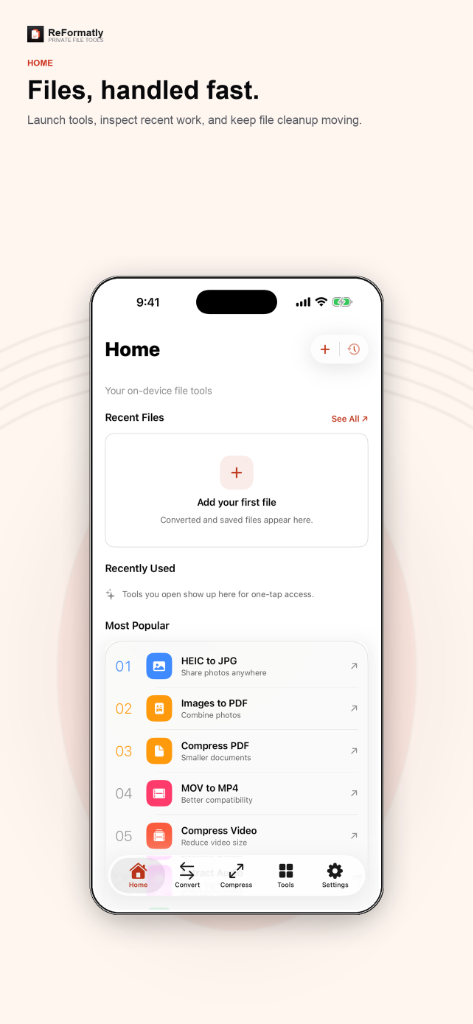
  • Home
  • Convert
  • Compress
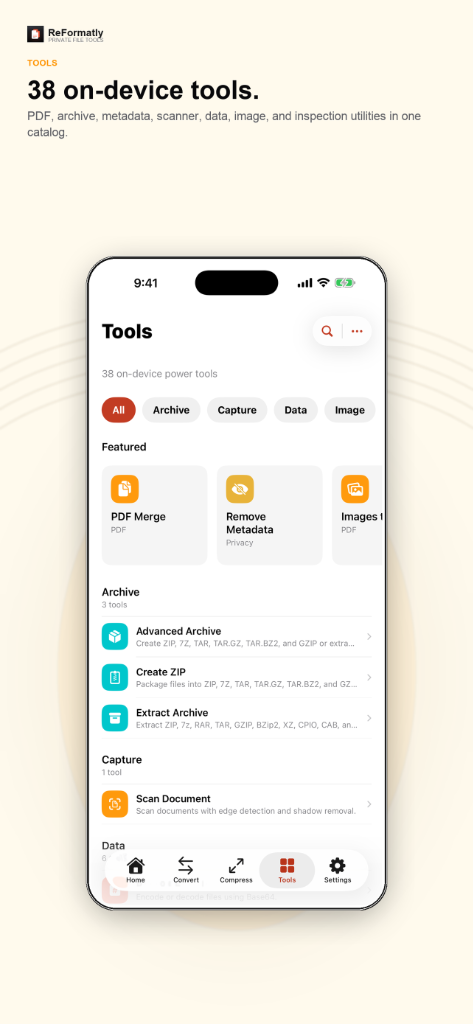
  • Tools
  • Output Manager

Release Timeline

  1. 1.0 July 1, 2026 Released
    • App Store release for iPhone and iPad.
    • Conversion, compression, PDF, and archive tools.
    • ReFormatly Pro subscriptions and lifetime purchase.
  2. 1.0 (Build 1) June 2026 App Store Review
    • Submitted for App Store review.
    • Privacy policy and support URLs verified.
  3. 1.0 (Beta) May 2026 TestFlight
    • Internal and limited external testing.
    • Paywall, batch jobs, and Live Activities validated.

Review URLs

Support URL
https://indr.app/support
Marketing URL
https://indr.app/ReFormatly
Privacy Policy URL
https://indr.app/ReFormatly/privacy

Accessibility

  • VoiceOver labels on conversion flows and tool screens.
  • Dynamic Type and Bold Text supported.
  • Reduce Motion respected for progress and transitions.
  • Keyboard and pointer support on iPad.

Privacy

  • Files and conversion history remain on your device by default.
  • Optional iCloud sync uses your private CloudKit database.
  • No third-party analytics or advertising SDKs.
  • Purchases handled by Apple; payment details are not stored by INDR.

Technical Specifications

Everything You Need to Know.

Compatibility iOS 18.0+, iPadOS 18.0+
Supported Formats Photos, PDF, Video, Audio, Text, Data, ZIP/7z/RAR/TAR, and more
ReFormatly Pro Optional subscription or lifetime purchase through the App Store
Data Handling On-device processing; optional iCloud sync

Release History

  • 1.0 · July 2026

    • File conversion and compression for iPhone and iPad.
    • PDF merge, split, scan, and advanced tools.
    • ReFormatly Pro with batch workflows and Live Activities.

FAQ

Questions, Answered.

Where Is My Data Stored?

On your device by default. Enable iCloud in Settings to sync preferences across devices signed into the same Apple ID.

Does ReFormatly Upload My Files?

No. Supported tools process files on your iPhone or iPad whenever the operation allows local processing.

What Does ReFormatly Pro Include?

Unlimited conversions, batch processing, target file sizes, metadata removal, advanced PDF tools, batch ZIP export, full history, and Pro Studios.

Is ReFormatly Available on Android?

No. ReFormatly is built for iPhone and iPad only.