
501-Tool Catalog
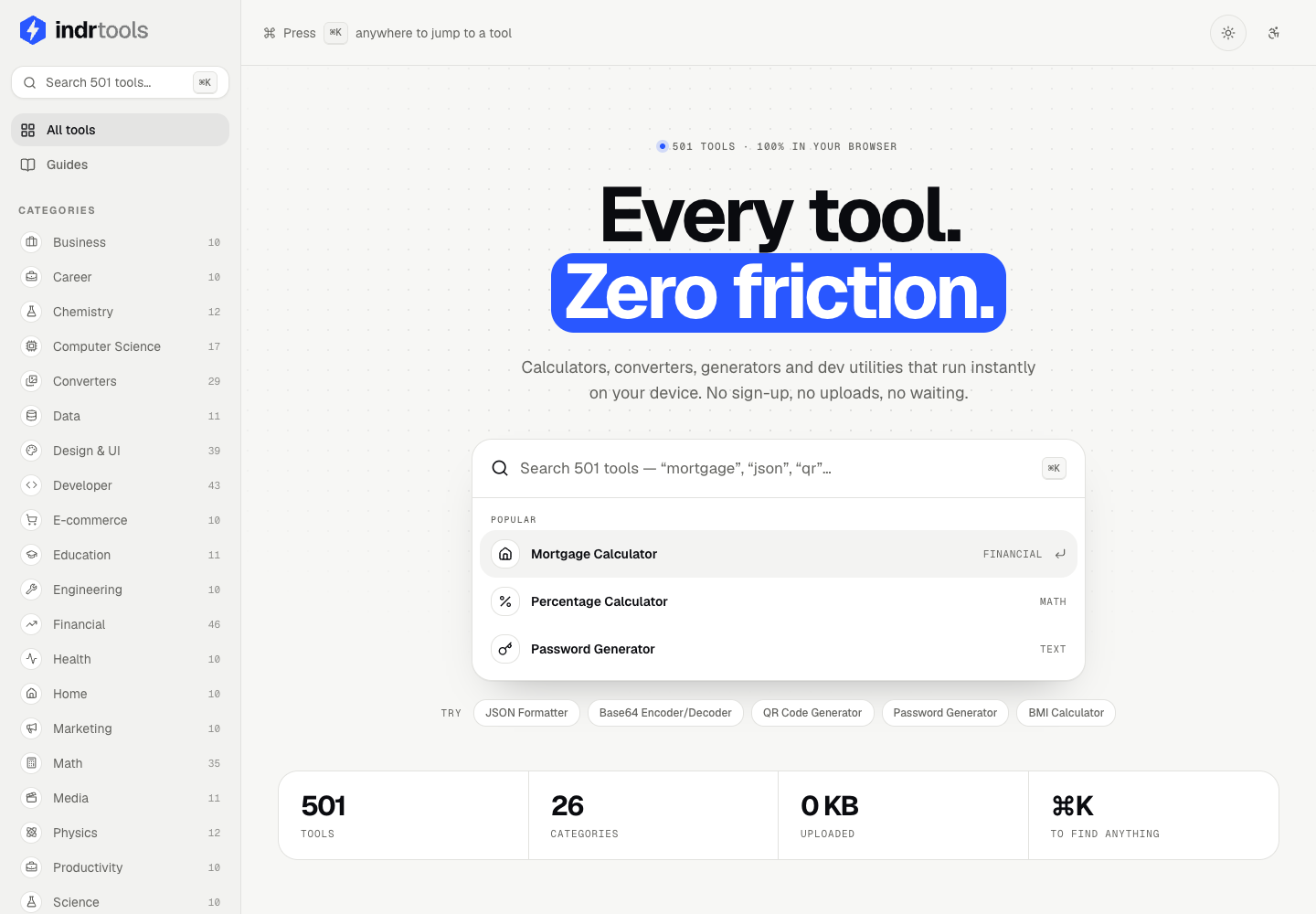
Search 26 categories, pin useful tools, and return to recent work without an account.
- Command search
- Category navigation
- Pinned and recent tools
501 Tools. One Browser Workspace.
Product information updated October 25, 2026
Search 501 tools across 26 categories without creating an account. Build light and dark design systems, compare financial scenarios, convert images and PDFs, plan across time zones, and organize citations. Save tool preferences, captured runs, and working notes in your browser, then export the results you need.
A searchable catalog for development, design, finance, education, science, and everyday work.
Jump to a tool with command search, browse the category sidebar, pin favorites, and return to recent tools. The public catalog includes 53 unit converters, 46 financial tools, and 43 developer utilities.
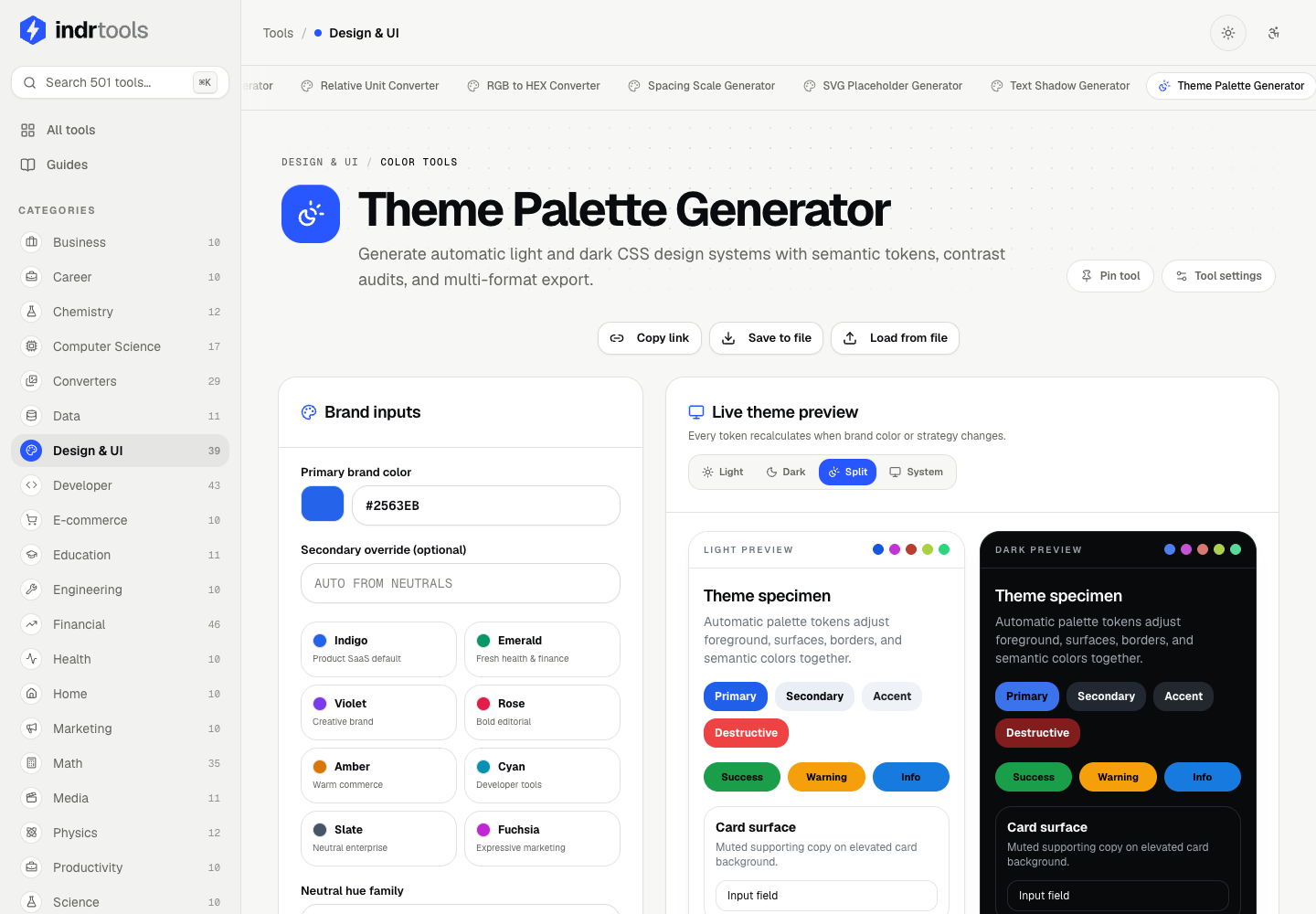
Generate light and dark palettes, semantic tokens, and production-ready design output.
Theme Palette includes contrast audits, side-by-side previews, saved themes, and code exports. Other studios cover gradients, animation, QR codes, card grids, data-table layouts, and design tokens.
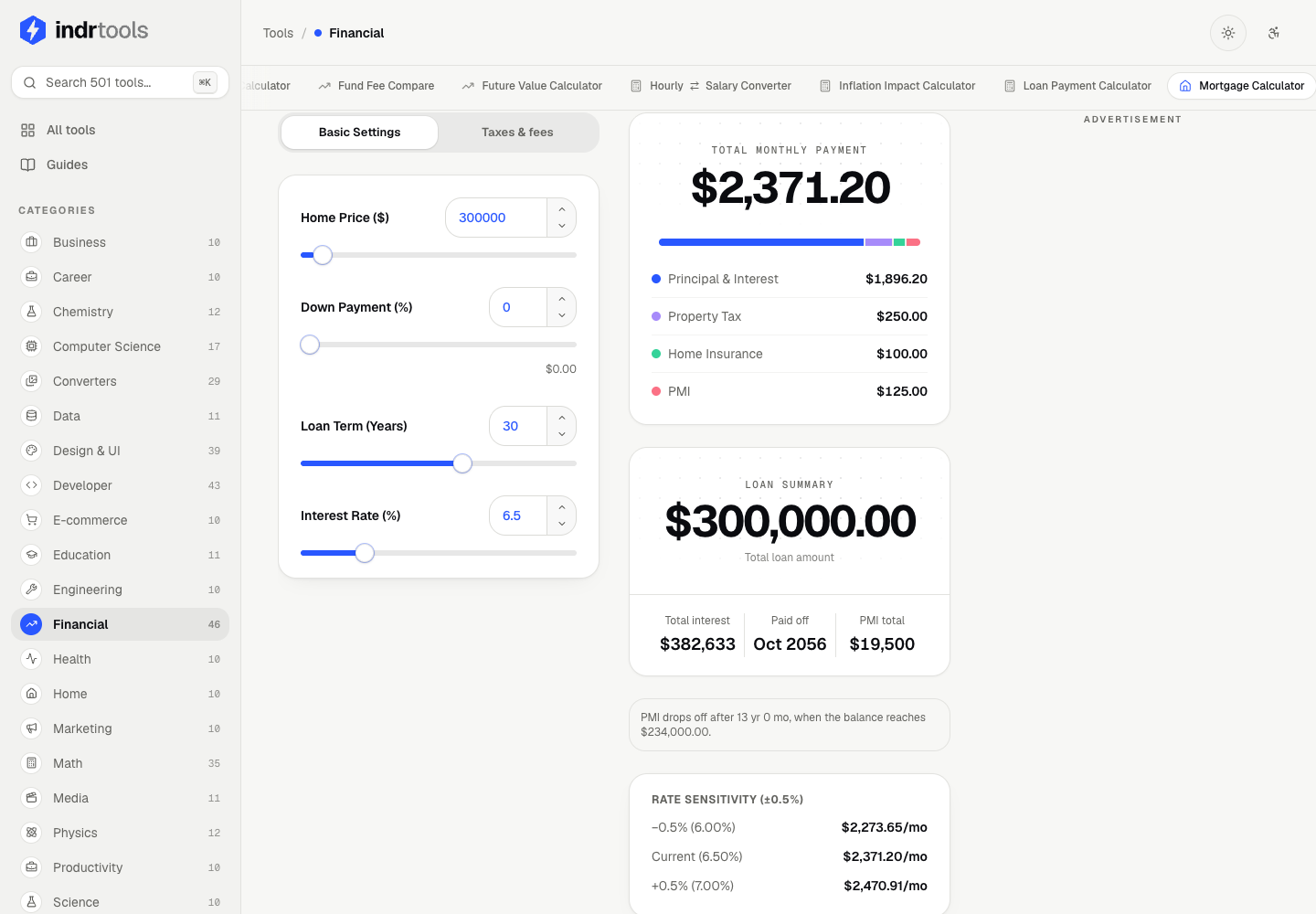
Review payment breakdowns, charts, schedules, and assumptions alongside your results.
Mortgage calculations include taxes and fees, PMI, rate sensitivity, and amortization exports. Financial, business, career, and investment tools support planning estimates that should be checked independently before consequential decisions.
29 converter tools for files and data, processed in the browser.
Convert PNG, JPG, WebP, and SVG; resize or compress images; export image batches as ZIPs; and merge, split, reorder, rotate, or extract PDF pages. Supported formats depend on the selected tool and browser.
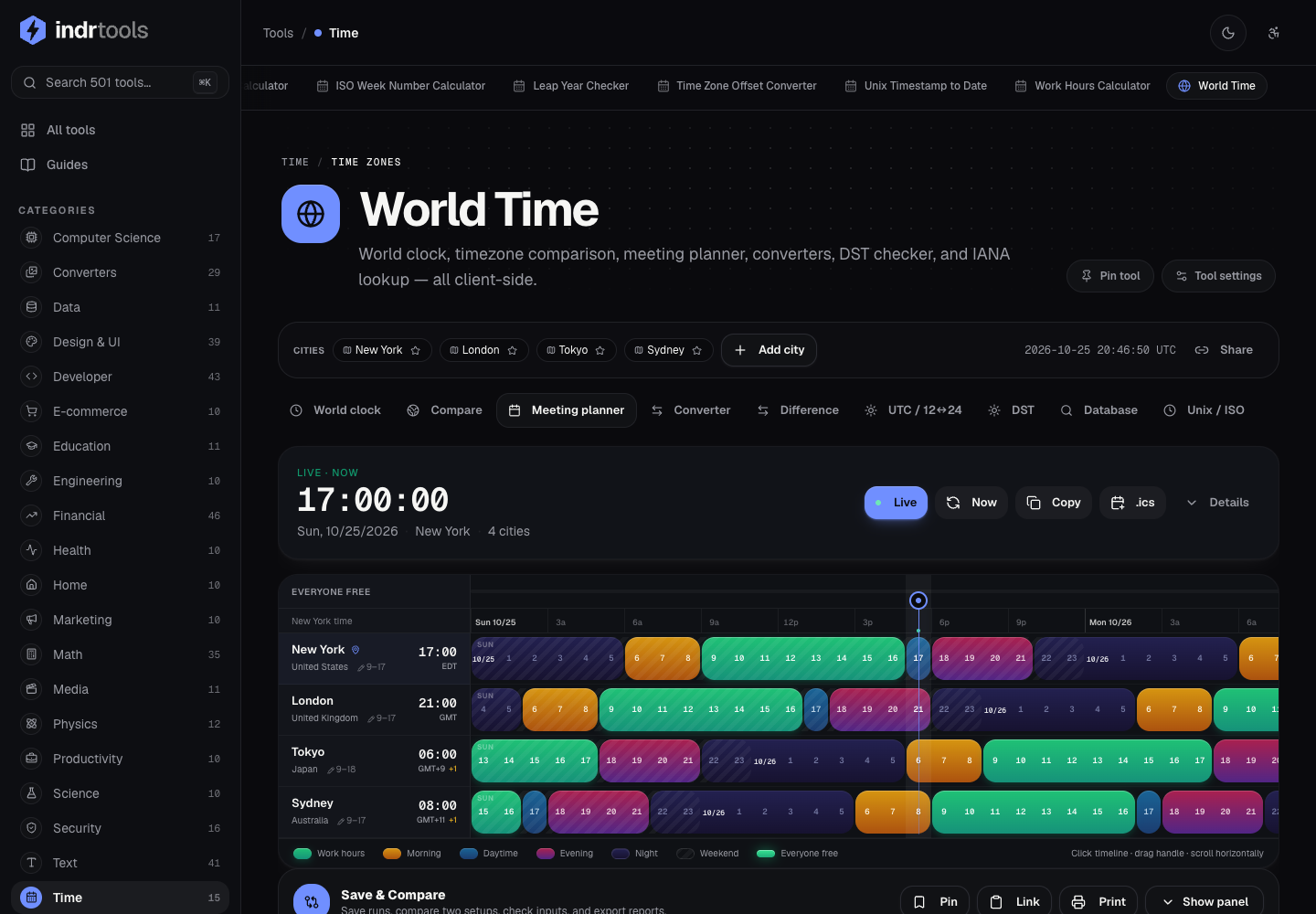
Compare cities, check daylight saving changes, and find meeting overlap.
Move between world clocks, comparison, meeting planner, converters, DST, and IANA lookup. Set business-hour windows and export calendar invitations without sending your meeting details to a time service.
Create, organize, restyle, and export citations from a local library.
Use structured source forms, citation styles, and import/export workflows. Optional DOI, ISBN, and webpage metadata lookups make network requests; review imported details against the original source.
Keep a repeatable workspace around the tool you are using.
Capture named scenarios, restore inputs, compare a baseline with another run, and retain working notes on this device. Export structured JSON, comparison CSV, or a Markdown report with the recorded context.
Format, inspect, encode, and generate without handing over your working data.
Use JSON formatting, Base64, UUIDs, regular expressions, JWT inspection, password and passphrase generation, authenticator helpers, and encryption utilities. Optional public-IP lookup contacts an external service.
Find tool-specific steps, examples, workflow checks, and FAQs.
The field guide links overview, steps, examples, playbook, workflow, privacy, and FAQs. Reading-size, legible-font, contrast, focus, color-vision, and reduced-motion preferences are available from the accessibility panel.
Captured from the public IndrTools website on October 25, 2026, in a fresh browser session. Calculator and citation views show the product's sample inputs, not personal account data.

Live Web Platform
IndrTools is available now. The public catalog contains 501 tools across 26 categories. Supported inputs, exports, and network requirements vary by tool.
IndrTools combines local calculations and file tools with saved browser workspaces. Preferences, scenarios, notes, and citation-library records stay on this device. Optional metadata and public-IP lookups use the network.
Search 26 categories, pin useful tools, and return to recent work without an account.
Convert supported images, optimize dimensions and quality, and work with PDF pages in your browser.
Capture inputs and results, keep notes, compare saved runs, and export a report.
Move from quick utilities to design systems, world-time planning, and structured citations.
Instantly find the calculator or converter using the global search.
Set inputs, inspect results, and capture a run or note. Optional online lookups are separate actions.
Download supported files or export saved workspace reports. Keep an external copy of records you need.
501-Tool Catalog and Workspace Upgrade · October 25, 2026
The public website has 501 tools across 26 categories, including design, development, finance, education, science, file conversion, and time. The catalog and counts were checked on October 25, 2026.
Many calculations and transformations run locally once loaded, but this is not a promise of complete offline availability. DOI and ISBN lookup contact Crossref and Open Library; webpage citation extraction sends the submitted URL to an IndrTools endpoint; public-IP lookup contacts ipify.
Tool preferences, captured scenarios, notes, and citation-library records are stored in this browser on this device. They do not automatically sync between devices, and clearing browser storage can remove them. Export records you want to keep.
The current file tools cover PNG, JPG, WebP, SVG rasterization, and PDF conversion and page operations. Browser support and each tool's accepted formats determine what can be processed. This listing does not promise HEIC or video/audio conversion.
Yes, IndrTools is a free, ad-supported platform. The ads allow us to offer these powerful tools without a subscription.
Read the key points below, or tap a section to jump directly. Full policies are linked at the end of each block.
IndrTools is an INDR product. Core tool processing is local, while optional lookups and website services can use the network.
These terms govern the use of the IndrTools website and its local tools.
Email support for bug reports or feature requests.